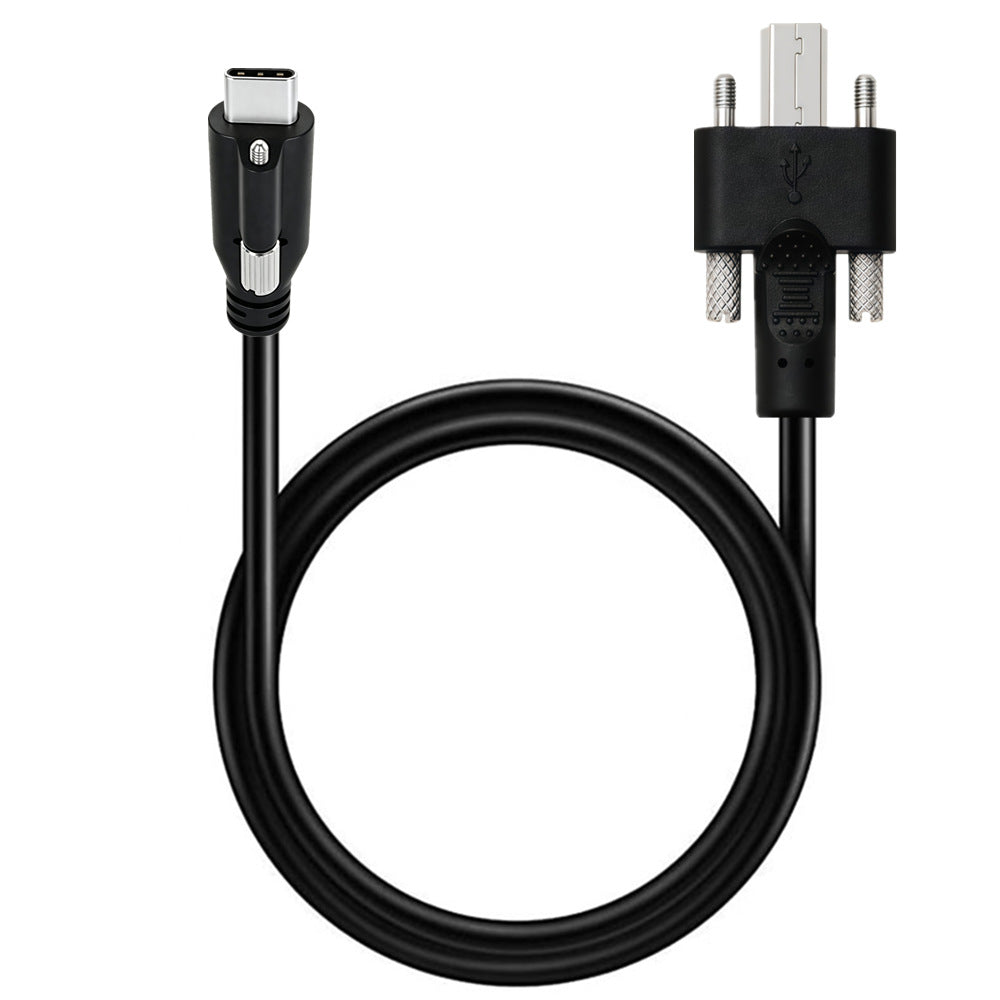
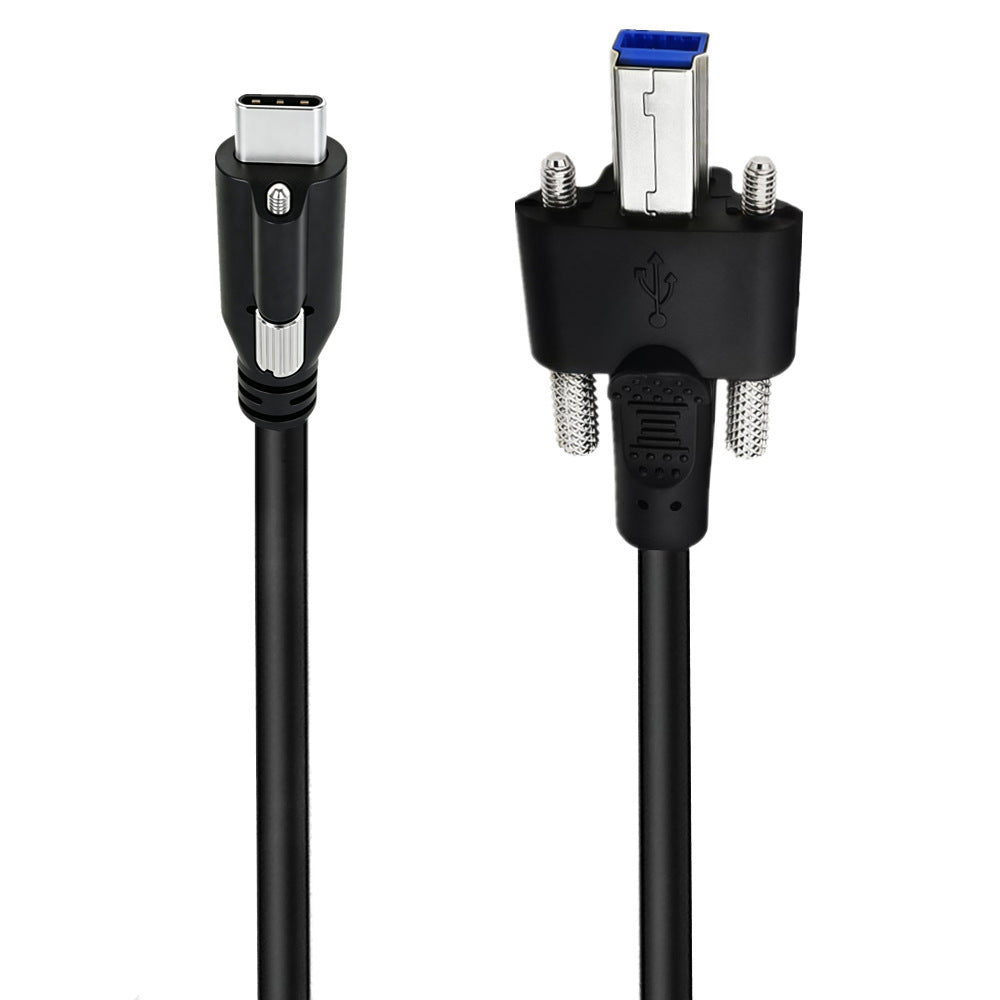
Create a secure USB data connection for industrial and professional equipment with this USB-C Single-Screw Locking to USB 3.0 Type-B Male Panel Mount Cable.
The cable features a USB-C male connector with a single locking screw at one end and a USB 3.0 Type-B male connector with two panel-locking screws at the other. Both connectors can be secured to compatible threaded equipment ports, helping prevent accidental disconnection caused by vibration, movement or repeated equipment use.
Supporting USB 3.0 data transfer speeds of up to 5Gbps, this cable is suitable for connecting industrial computers, medical equipment, self-service terminals, test instruments, data-acquisition systems and other compatible USB devices.
The single-screw USB-C connector provides a more secure connection than a standard friction-fit USB-C plug. The USB 3.0 Type-B connector includes two knurled locking screws for fastening the plug firmly to a compatible panel-mounted socket.
Key Features:
• USB-C male to USB 3.0 Type-B male cable
• Single-screw locking USB-C connector
• Dual-screw locking USB 3.0 Type-B connector
• Helps prevent accidental disconnection
• Suitable for vibration-prone industrial environments
• USB 3.0 data transfer speeds up to 5Gbps
• Backwards compatible with USB 2.0 and USB 1.1 equipment
• Shielded construction for stable data transmission
• Durable black PVC outer jacket
• Reinforced moulded connector housings
• Plug-and-play operation
• Available in 0.5m and 1m lengths
Suitable Applications:
• Industrial computers and control systems
• Embedded computers and equipment panels
• Medical and laboratory instruments
• Self-service kiosks and ticket machines
• Point-of-sale equipment
• Data-acquisition systems
• Industrial cameras and scanners
• Test and measurement equipment
• Server and equipment enclosures
• Vehicle-mounted industrial systems
Installation:
1. Insert the USB-C male connector into a compatible single-screw locking USB-C port.
2. Tighten the USB-C locking screw by hand until the connector is secure.
3. Insert the USB 3.0 Type-B male connector into the matching female port.
4. Tighten the two Type-B locking screws evenly.
5. Avoid overtightening, as excessive force may damage the connector housing or equipment threads.
Compatibility Information:
The USB-C locking screw position and spacing must match the threaded hole on the connected device. A standard USB-C port without a compatible screw thread cannot use the locking function.
The USB 3.0 Type-B end also requires a compatible female port with matching threaded mounting points.
This cable is designed primarily for USB data transfer. It does not support DisplayPort Alt Mode video output or USB Power Delivery fast charging.
Maximum data speed depends on the USB specification supported by both connected devices.